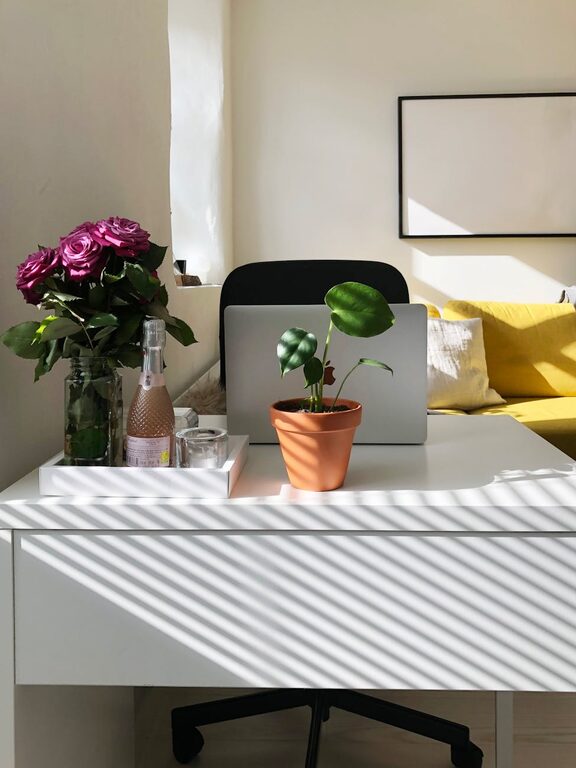
Creating a productive home office environment is essential for anyone working remotely or running a business from home. A well-designed workspace can help you focus better, reduce distractions, and improve your overall work performance. Whether you’re setting up a new office or looking to improve your current one, these tips will guide you in creating a space that supports your productivity and well-being.
Choose the Right Location
Find a Quiet, Dedicated Space
Select a spot in your home that’s quiet and separate from household activities. A dedicated space helps train your mind to focus when you enter that area. If possible, choose a room with a door to minimize noise and interruptions.
Consider Natural Light
Natural light boosts mood and alertness, so set up your workstation near a window. If natural light is limited, invest in quality artificial lighting that mimics daylight to reduce eye strain.
Invest in Comfortable and Functional Furniture
Ergonomic Chair and Desk
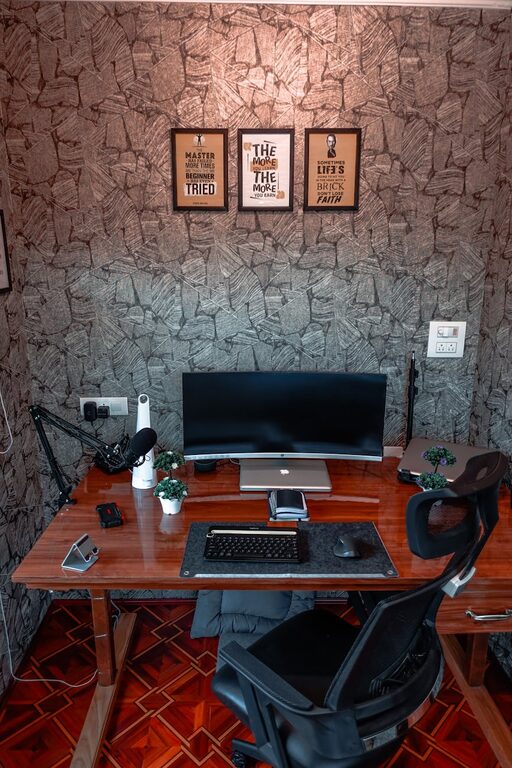
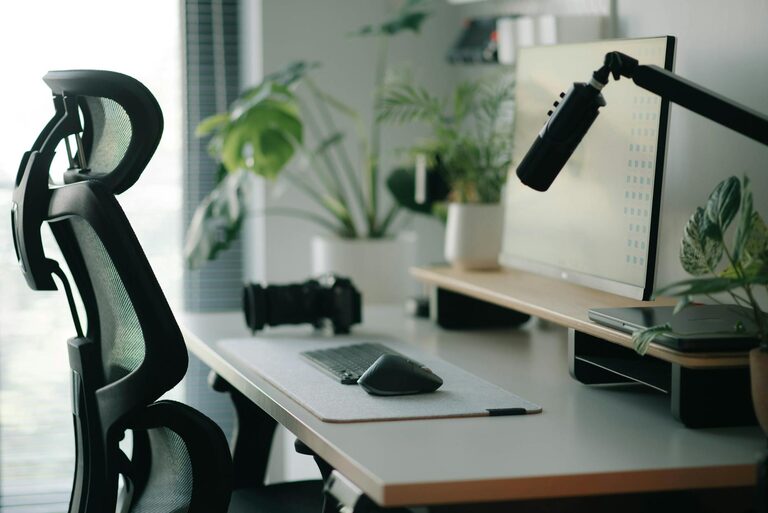
A comfortable chair with proper back support and an adjustable desk are crucial for long hours of work. Ergonomic furniture helps prevent common issues like back pain and neck strain.
Keep Necessary Items Within Reach
Arrange your desk so that frequently used items like your phone, notebook, and pens are easily accessible. This reduces distractions caused by unnecessary movements.
Organize Your Workspace
Declutter Regularly
Remove unnecessary items from your desk to keep the area tidy. A clutter-free environment helps reduce stress and improves concentration.
Use Storage Solutions
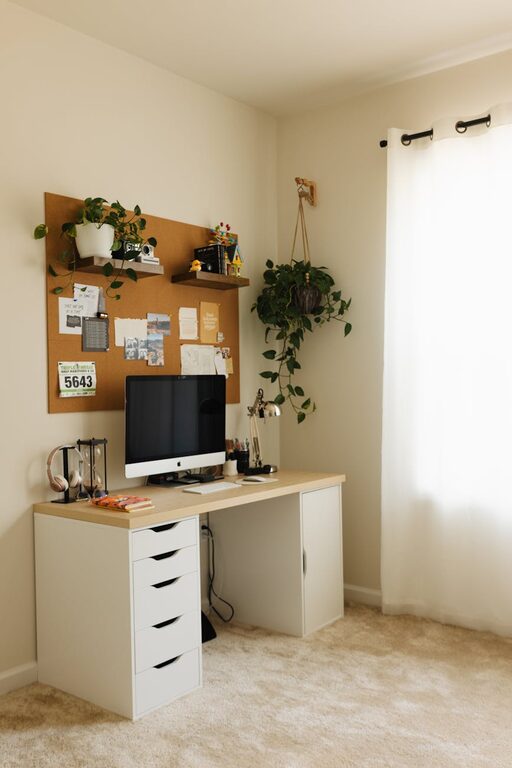
Utilize shelves, drawers, and organizers to keep papers and supplies neat and out of sight. Labeling storage containers can speed up finding what you need.
Minimize Distractions
Set Boundaries with Others
Inform family members or roommates of your work hours and the importance of minimizing interruptions. Clear boundaries help create a professional atmosphere at home.
Control Noise
Use noise-canceling headphones or background white noise to block out distracting sounds. This can be especially helpful if you don’t have a separate room for your office.
Optimize Technology Setup
Reliable Internet Connection
Ensure your internet connection is fast and stable to avoid disruptions during video calls or important tasks.
Quality Equipment
Invest in a good-quality computer, monitor, keyboard, and mouse. Consider dual monitors if your work involves multitasking or detailed projects.
Cable Management
Keep cables organized and out of the way to maintain a clean workspace and prevent accidents.
Personalize Your Space
Add Plants or Artwork
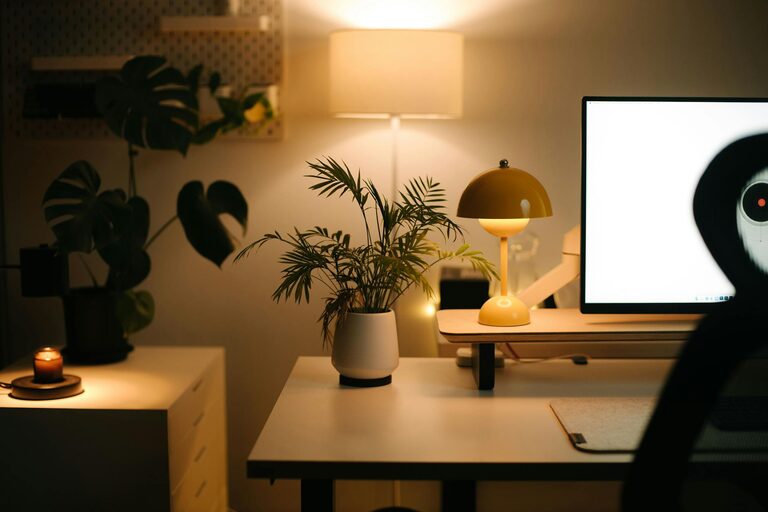
Incorporating greenery or personal decorations can make your workspace more inviting and inspiring.
Use Calming Colors
Choose colors that promote focus and calm, such as light blues, greens, or neutrals.
Establish a Work Routine
Set Regular Work Hours
Stick to a consistent schedule to help separate work time from personal time.
Take Scheduled Breaks
Short breaks during work hours refresh your mind and improve productivity. Use techniques like the Pomodoro method to manage work and rest periods.
Maintain Good Posture and Health
Ergonomic Practices
Sit upright with feet flat on the ground and wrists in a neutral position. Adjust your screen height to eye level to avoid neck strain.
Stretch and Move
Incorporate stretching or short walks into your day to reduce muscle tension and boost circulation.
Keep Your Workspace Clean
Daily Tidying
Spend a few minutes each day cleaning your desk and equipment. Regular cleaning keeps your environment healthy and organized.
Deep Clean Weekly
Wipe down surfaces, keyboard, mouse, and monitor screens weekly to prevent dust buildup and maintain hygiene.
—
By thoughtfully designing and maintaining your home office, you create a space that supports focus, creativity, and productivity. Remember, the best home office setup fits your personal needs and work style, so feel free to experiment and adjust until you find what works best. Happy working!
About the Author