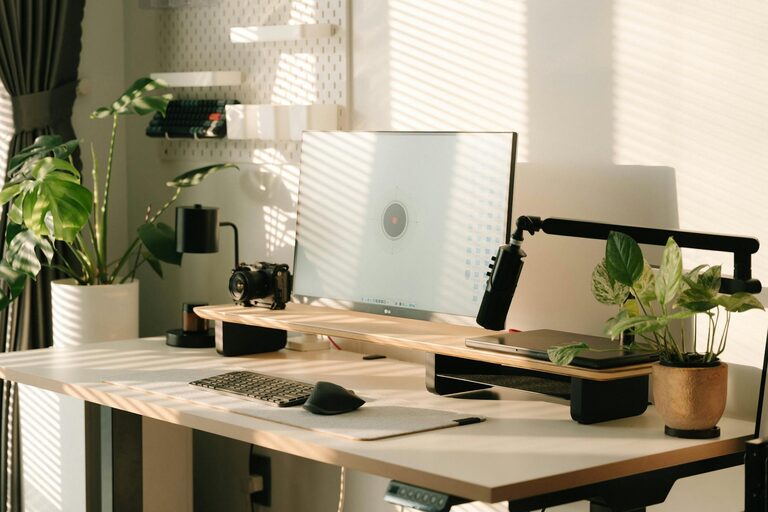
Creating a productive home office environment is essential for anyone working remotely or spending significant time on tasks at home. A well-designed workspace can enhance focus, reduce distractions, and improve your overall work experience. Here are practical tips to help you set up an efficient and comfortable home office that encourages productivity.
Choose the Right Location
Pick a spot that suits your work style and minimizes interruptions. Ideally, this space should be:
– Quiet and away from high-traffic areas
– Well-lit with natural light if possible
– Easy to personalize for comfort
Having a dedicated area helps your brain associate that space with work, making it easier to switch into “work mode.”
Invest in Ergonomic Furniture
Comfort is key when you spend hours at your desk. Here’s what to look for:
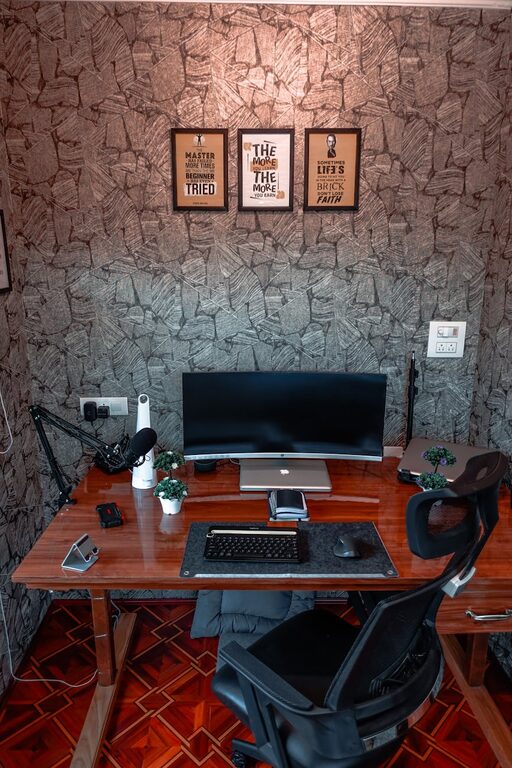
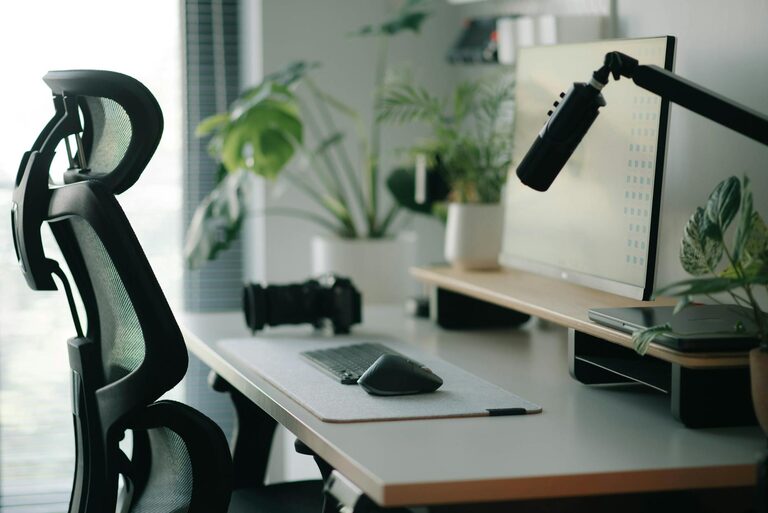
– Chair: Choose one with lumbar support, adjustable height, and a comfortable seat. Good posture reduces fatigue and discomfort.
– Desk: Find a desk at the right height or consider an adjustable standing desk to alternate between sitting and standing.
– Accessories: Use a separate keyboard and mouse if you’re working on a laptop, and consider a monitor stand for proper screen height.
Optimize Lighting
Lighting plays a major role in how alert and focused you feel:
– Utilize natural daylight as much as possible; position your desk near a window.
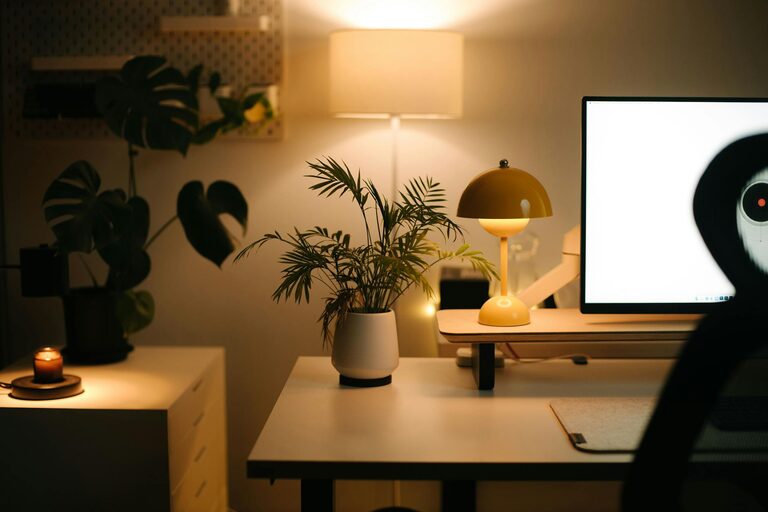
– Use layered lighting: a combination of overhead lights, task lamps, and natural light reduces eye strain.
– Avoid glare on computer screens by positioning lights thoughtfully.
Keep Your Workspace Organized
A clutter-free desk helps maintain mental clarity. Try these organization tips:
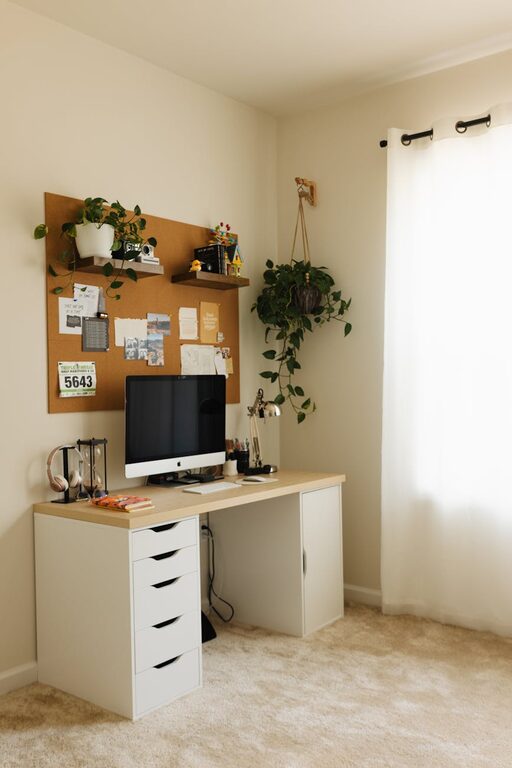
– Use trays, file holders, or drawer organizers to keep documents in order.
– Declutter regularly to avoid unnecessary distractions.
– Keep only essentials on your desk to create a clean, tidy space.
Minimize Distractions
Staying focused is easier when distractions are limited. Consider:
– Turning off non-essential notifications on your phone and computer.
– Using noise-cancelling headphones or playing background music or white noise to drown out interruptions.
– Setting boundaries with family or housemates about your work hours.
Personalize Your Space
Adding personal touches can make your office inspiring without being distracting:
– Incorporate plants to brighten the space and improve air quality.
– Display photos or artwork that motivate you.
– Use colors that promote focus and calmness, like blues or greens.
Establish a Routine
Creating habits around your workspace supports productivity:
– Start your workday at a consistent time to build structure.
– Take regular breaks to stretch and rest your eyes.
– End your day by tidying up your desk, signaling the close of work hours.
Use Technology Wisely
Choose tools that support your workflow without causing overload:
– Use productivity apps for task management and time tracking.
– Ensure your internet connection is reliable to avoid interruptions.
– Keep your devices updated for security and performance.
Maintain Good Air Quality and Temperature
Comfortable air and temperature levels contribute to sustained focus:
– Keep windows open for fresh air when possible.
– Use fans or heaters to maintain a comfortable temperature.
– Invest in an air purifier if needed, especially in areas with poor air circulation.
Final Thoughts
Designing a productive home office environment is about balancing comfort, organization, and focus. By considering your workspace location, furniture, lighting, and habits, you can create an environment that motivates you and supports your best work every day. Remember, your home office should work for you, not the other way around. Regularly reassess your setup and adjust as your needs evolve.
About the Author